
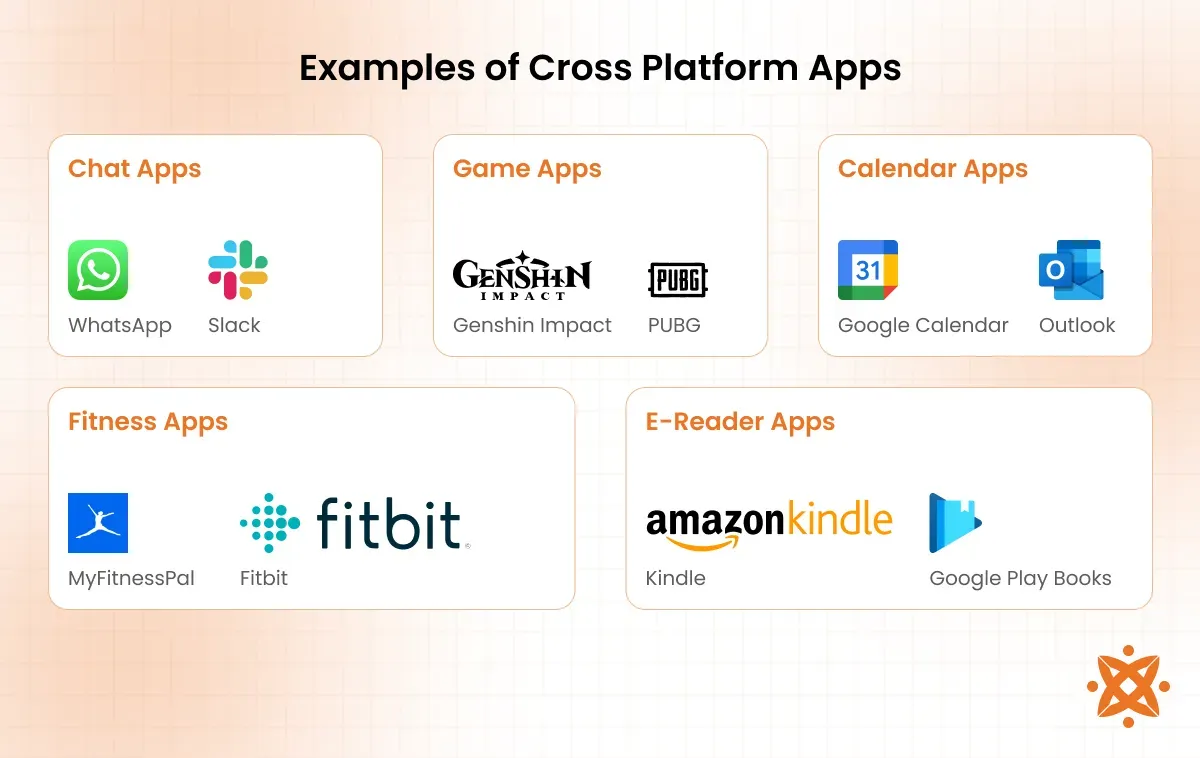
Cross-Platform Apps have reshaped how teams reach iOS and Android users by enabling a single codebase to power multiple platforms. This approach promises faster time-to-market, a unified feature set, and often lower initial costs. But like any strategic choice, cross-platform app development comes with trade-offs in performance, UX nuances, and platform integration. In this guide, you’ll learn what to expect from Cross-Platform Apps and how to decide whether this path fits your product, your team, and your timeline. To help you evaluate options, we’ll compare popular frameworks such as Flutter vs React Native and discuss how mobile app development strategies can shape your roadmap, while also touching on progressive web apps as an alternative.
A multi-platform development approach aims to deliver a single, shared codebase that runs across iOS, Android, and beyond, offering similar business outcomes with less duplication. From a product perspective, teams weigh the trade-offs between performance, platform-specific UX, and the breadth of supported devices. Alternative terms for this strategy include cross-device compatibility, universal codebases, progressive web apps as a web-first variant, and hybrid approaches that bridge web technologies with native interfaces. In practice, decisions often hinge on how critical native APIs, offline capability, and rich animations are to the user experience. Understanding the balance between native fidelity and shared architecture helps you map a coherent mobile app development strategy.
Cross-Platform Apps: Key Considerations in Cross-Platform App Development
Cross-Platform Apps have become a mainstream option for teams aiming to reach iOS and Android users with a single codebase. This approach aligns closely with the goals of cross-platform app development by promising faster time-to-market, a unified feature set, and potentially lower initial costs. At the same time, it’s important to understand the trade-offs—such as performance nuances and the need to balance UI consistency with platform idioms—to set realistic expectations for stakeholders.
A successful cross-platform strategy starts with a clear product roadmap and a pragmatic view of maintenance, plugin maturity, and native feature access. The decision often hinges on how critical platform-specific UX nuances are for your core user journeys, and whether you’re willing to optimize for a common code path or tailor experiences where it matters most. In practice, this means tying the choice to your mobile app development strategies, from MVP scope to long-term feature parity.
For teams evaluating options, it helps to frame the project around scalable delivery, predictable maintenance, and measurable outcomes. Consider how your roadmap handles plugin costs, platform updates, and the potential need for native modules, while keeping a focus on delivering value to users across devices and ecosystems.
Native vs Cross-Platform: How Flutter vs React Native Shape Your Mobile App Development Strategies
Choosing between native and cross-platform approaches is foundational. Native-focused paths prioritize platform-specific UX and API access, while cross-platform options seek to maximize code reuse and speed. Two of the most influential frameworks in this space are Flutter and React Native, each offering distinct architectural models, ecosystems, and trade-offs that shape your mobile app development strategies.
Flutter vs React Native exemplifies different paths to performance, UI consistency, and developer velocity. Flutter uses Dart, ships a rich widget set, compiles to native ARM code, and emphasizes a cohesive design system that can reduce layout inconsistencies between iOS and Android. React Native, grounded in JavaScript, leverages a vast web development ecosystem and a more incremental migration for teams already familiar with JS, though some apps may require native modules to achieve high-performance graphics or complex animations.
Beyond these two options, other approaches—such as Xamarin/.NET or Kotlin Multiplatform—offer additional trade-offs, while progressive web apps (PWAs) can supplement or complement native or cross-platform efforts. PWAs enable web-first experiences with offline capabilities and home-screen installability, though they may fall short for hardware-intensive tasks. When forming a mobile app development strategy, consider PWAs alongside native and cross-platform choices to determine the optimal mix for your product, timelines, and user expectations.
Frequently Asked Questions
What are the core trade-offs of cross-platform app development compared to native approaches?
Cross-platform app development lets you reach iOS and Android from a single codebase, enabling faster time-to-market and potentially lower upfront costs. However, it may involve compromises in near-native performance, UI nuances, and access to the latest native features, depending on the framework and plugins. When considering cross-platform app development vs native, evaluate project scope, required UX parity, performance constraints, and maintenance expectations. Also consider progressive web apps as a web-first alternative for broader reach where hardware access and performance are less critical. Use a clear mobile app development strategy to decide where to start with an MVP and where to invest in native modules if needed.
How should teams choose between Flutter vs React Native for cross-platform app development?
Flutter vs React Native are the two leading choices in cross-platform app development. Flutter (Dart) provides a rich widget set, high performance from compiling to native ARM, and a consistent UI across iOS and Android. React Native (JavaScript) leverages a vast web ecosystem and easier onboarding for teams with web experience, but may rely more on native modules for complex features. To decide, consider your team's skills, performance requirements, and the ecosystem maturity of plugins needed for native features. Build a small prototype to compare development speed, UX, and maintenance effort, and factor in your mobile app development strategies for scaling across platforms. If broader reach or offline behavior is crucial, you might also evaluate progressive web apps as a complement to a cross-platform build.
| Topic | Key Points |
|---|---|
| What are Cross-Platform Apps |
|
| Key Concepts to Understand |
|
| Popular Frameworks and What They Bring |
|
| What to Expect When Building Cross-Platform Apps |
|
| Choosing Between Cross-Platform and Native: A Decision Framework |
|
| Progressive Web Apps as an Alternative or Complement |
|
| Practical Steps to Start a Cross-Platform Project |
|
| Common Pitfalls to Avoid |
|
Summary
Cross-Platform Apps offer a practical route to delivering multi-platform experiences with a unified codebase. This overview highlights what cross-platform means, the core concepts, popular frameworks, what to expect during development, how to decide between cross-platform and native, alternatives like PWAs, and a practical starting plan. When deciding, consider project scope, time-to-market, team skills, budget, performance needs, and ecosystem maturity. PWAs can complement native strategies in some cases, while native or blended approaches may be better for heavy hardware access or platform-specific UX. By staying user-centered, planning for testing and maintenance, and selecting the right framework, teams can maximize value from Cross-Platform Apps. In the end, Cross-Platform Apps are not a one-size-fits-all solution, but thoughtfully chosen, they can enable rapid delivery, consistent features, and broader reach with a single, well-executed codebase. Use this guide as a starting point to evaluate options, run focused experiments, and set your project up for success across ecosystems that matter most to your users.